
- No scooping
- No shedding
- No cat food bills
- No litter to buy
- No sign-up
- Ready to use
LazyMeow Desktop Pet — A Free Windows Desktop Pet & Virtual Cat
No more lonely work — comfort at your side
· No sign-up · Install & run · Offline
Work buddy · Less burnout · Happier workdays
A day in your cat’s life
Feeding, drinking, cuddling, exercise, talents… all in one daily timeline.
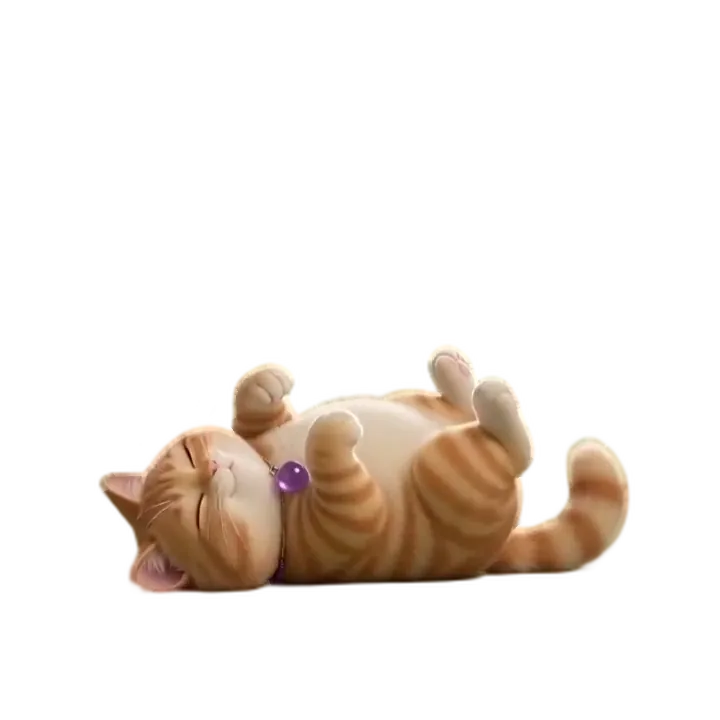


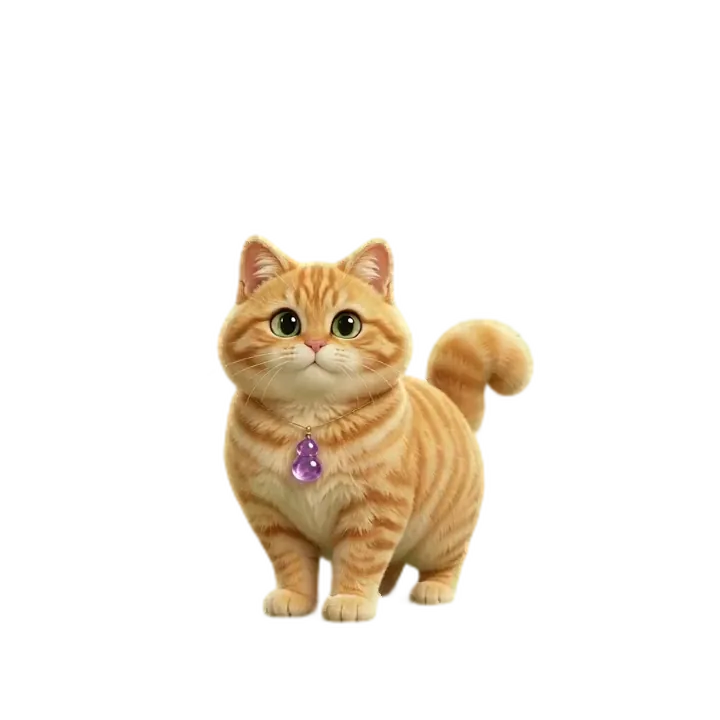



Your desktop can be a pool of living water
Pond Live Wallpaper: ripples follow your cursor, fish drift past, tap the water and it spreads in rings. Free, no ads, low CPU.

Choose your plan
Start free, upgrade anytime for premium features.
Free
- Interact: pet · play · beg · feed
- Fun: music · mini player
- Companion: rest · sit/drink reminders
- Profile: archive · food stock · food curve ·
scooper star - System: settings · auto-start
- Profile: diary
Standard
- All free features
- Interact: cuddle · fitness
- Fortune: daily · cat divination
- Fun: random shows (all-day)
- Games: catch the ball
- Profile: daily notes
Pro
- All Standard features
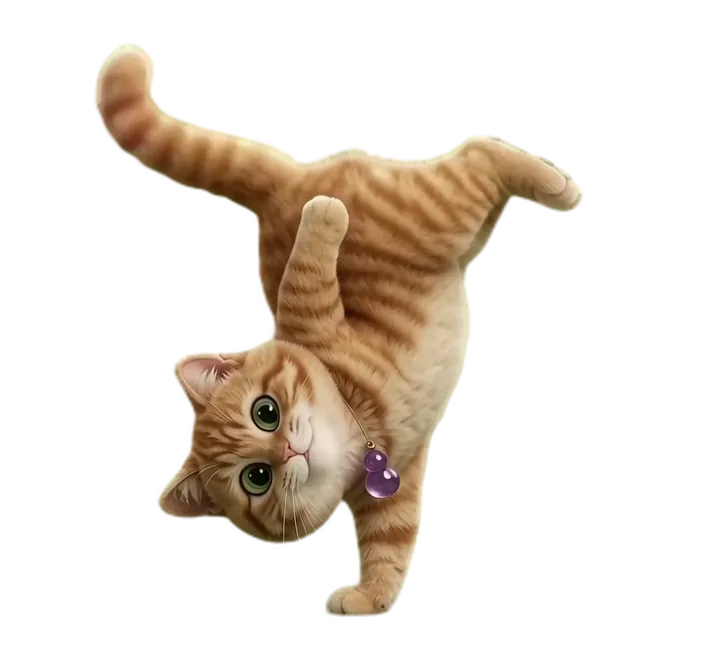
- Fun: dance / sword-flight / handstand
- Interact: play-plus jump
- Games: gomoku battle
- Data: mood & weight curves
- Profile: diplomatic note
Custom plans
💬 Guestbook
Leave an anonymous note — ideas, feedback, praise or gripes, all welcome.
Frequently asked questions
Is it free, what system does it need, does it slow down your PC, how to uninstall — the questions people ask most.
Is LazyMeow Desktop Pet free?
Yes. No sign-up, just download and run. The free version covers the core companion features: petting, teasing, feeding, drink reminders and sit-too-long alerts. The premium version unlocks extra animations and games.
Which operating systems does it support?
Windows 7, 8, 10 and 11, with both a Chinese and an English installer. A macOS version is coming.
Does it need an internet connection?
No. It runs entirely on your computer and works offline. The state and interaction history are stored locally, with no cloud dependency.
Does it slow down my computer?
The installer is about 130 MB, all sounds and animations included. Once running it sits in a corner of the screen and uses very little, so you can leave it on all day.
Does it collect my private data?
No. No sign-up, no phone number, no account. The state and interaction history stay on your own computer and are never uploaded.
Can I turn off the drink and sitting reminders?
Yes. Settings lets you switch off drink reminders and sit-too-long reminders separately, and adjust how often each one fires.
How do I uninstall it?
Open Windows Settings, then Apps, then Installed apps, find LazyMeow Desktop Pet and uninstall. No background process is left behind.
What is the difference between the Chinese and English versions?
The features are identical, only the interface language differs. The English version ships an English interface and over 4,000 English lines of dialogue.
What is a desktop pet?
A desktop pet is a virtual pet program that lives on your computer desktop. Unlike a normal app you open and close, it stays in a corner of your screen: it walks, naps and acts cute, and reacts when you click it. LazyMeow Desktop Pet is one of them — an electronic cat you can feed, tease and play with, which also reminds you to drink water and stays quiet when you need to focus.
Does a desktop pet use a lot of memory?
It uses some, but not much. LazyMeow Desktop Pet typically sits at a few dozen to a little over a hundred MB of memory while running, and CPU usage is close to 0% when idle. The installer is about 130 MB because it ships every animation frame and sound effect locally, so nothing is downloaded again later. Any PC that can handle everyday office work can run it.
Is a desktop pet safe?
LazyMeow Desktop Pet is a purely local application: it does not change system settings, does not inject itself into other programs, and never reads your personal files. There is no sign-up and no phone number or account required; your pet's state and interaction history stay on your own machine. Just download it from the official site and avoid pirated copies.
Does a desktop pet need an internet connection?
No. LazyMeow Desktop Pet runs entirely on your machine, so it works fine offline, in airplane mode or behind a corporate network — feeding, interaction, reminders and mini-games all keep working. An internet connection is only needed when you deliberately check for updates.
Will a desktop pet secretly use my bandwidth?
No. LazyMeow Desktop Pet has no background uploads, no ad SDKs and no analytics trackers, and nothing breaks when you go offline. You can verify it in your system's network monitor: its bandwidth usage stays at zero.
Does it work on Windows 11?
Yes. LazyMeow Desktop Pet runs normally on Windows 11, including multi-monitor setups and high-DPI scaling.
Does it work on Windows 10?
Yes. Windows 10 is the most common environment among our users and everything works there.
Does it work on Windows 7?
Yes. LazyMeow Desktop Pet supports Windows 7 and above (7 / 8 / 10 / 11), so older machines can run it too.
Can I leave a desktop pet running all the time?
Yes — that is exactly what it was made for, and many users keep it running from boot to shutdown. It barely touches the CPU when idle, and you can set it to go quiet automatically while you work full screen or play games.
Will a desktop pet affect my games?
Barely. It does not compete for GPU resources and never touches game processes. When a full-screen program is detected it automatically tones itself down (fewer animations and sounds), and you can hide it with one click and call it back when you are done.
Can I turn the desktop pet off?
Yes. Right-click the tray icon to quit. You can also pause only the animations while keeping the reminders, or turn on focus mode to keep it quiet for a while. To remove it completely, use Windows Settings → Apps → uninstall.
Can I set it to start with Windows?
Yes. There is an auto-start toggle in the app's settings, and you can flip it any time. You can also manage it from the Startup tab in Windows Task Manager.
Can I customize the pet?
Yes. The free version already lets you switch appearance, move it around the screen and tweak some interactions. If you want it to look like your own cat, the custom service builds a pet from the photos you send in.
Can I turn my own cat into a desktop pet?
Yes. The custom service turns photos of your pet into a desktop pet: you get everything in the free version plus custom animations made from your photos, starting at ¥39.97 with 2 rounds of revisions. Just send the photos to our support contact to get started.
Is LazyMeow Desktop Pet free?
Yes. The free version needs no sign-up and works right after install: petting, teasing, feeding, water reminders, sit-less reminders and mini-games are all included. The advanced version is a one-time purchase that unlocks extra talent animations and gameplay.
How is LazyMeow different from other desktop pets?
Three things: it works fully offline with no sign-up, so nothing stops working when you lose internet and nothing uploads in the background; the Chinese and English builds are both complete releases, with over 4,000 lines of dialogue rather than placeholder machine translations; and it does more than keep you company — it nags you to drink water and stand up, and it can even be rebuilt from photos of your own cat.